Queue Management
Commands for managing the music queue.
/clearqueue
The /clearqueue command clears all of the songs in the queue.
/jumpto
The /jumpto <song> command jumps to a specific song in the queue by typing in the number of the song you want to jump to.
/leave
You can force Goliath to leave the voice channel by running the /leave command.
This will also remove all of the songs in the queue.
/move
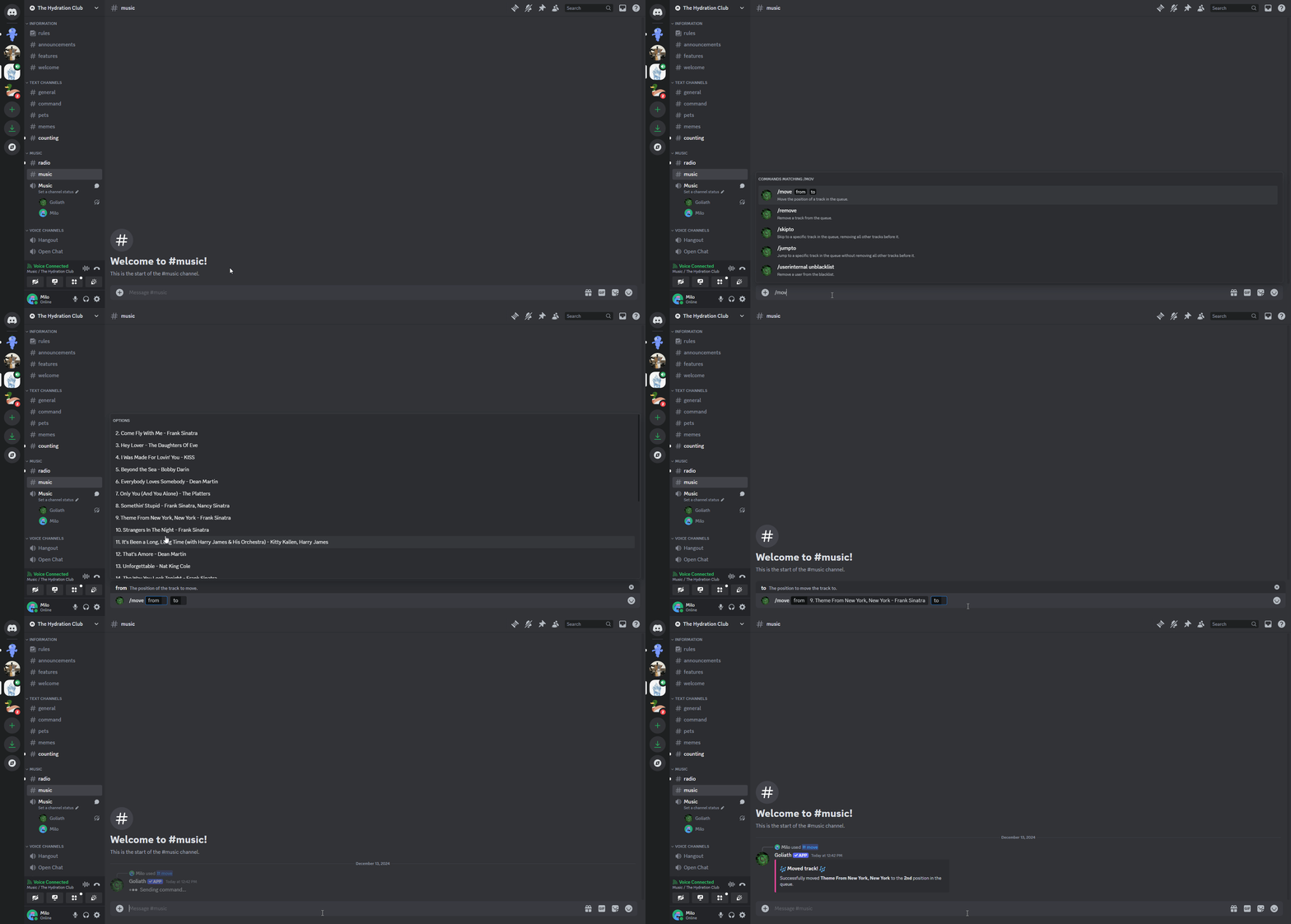
The /move <song> <new position> command moves a song in the queue by typing in the number of the song you want to move and the new position you want to move it to.
/queue
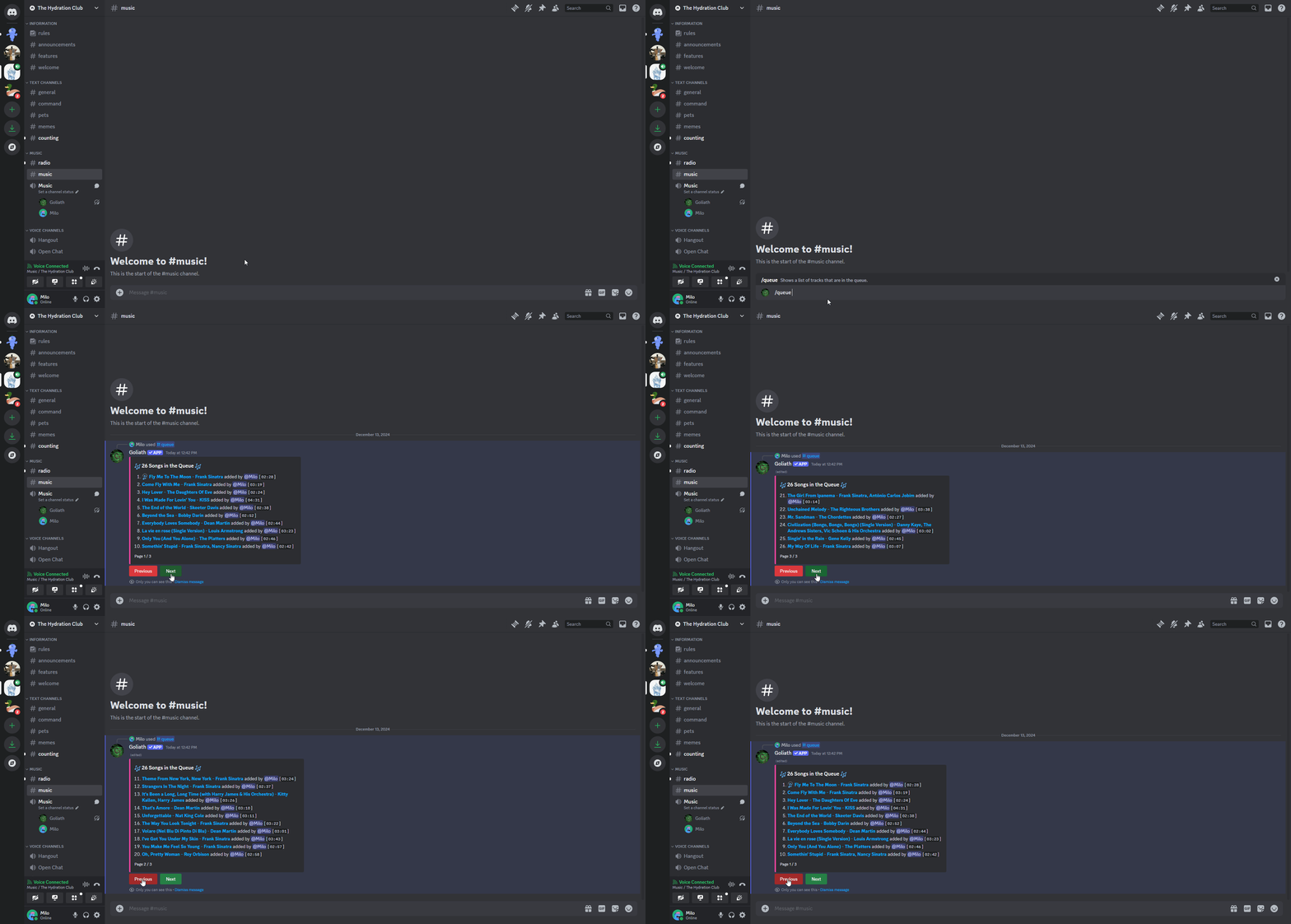
The /queue command displays the current queue of songs in the queue.
/remove
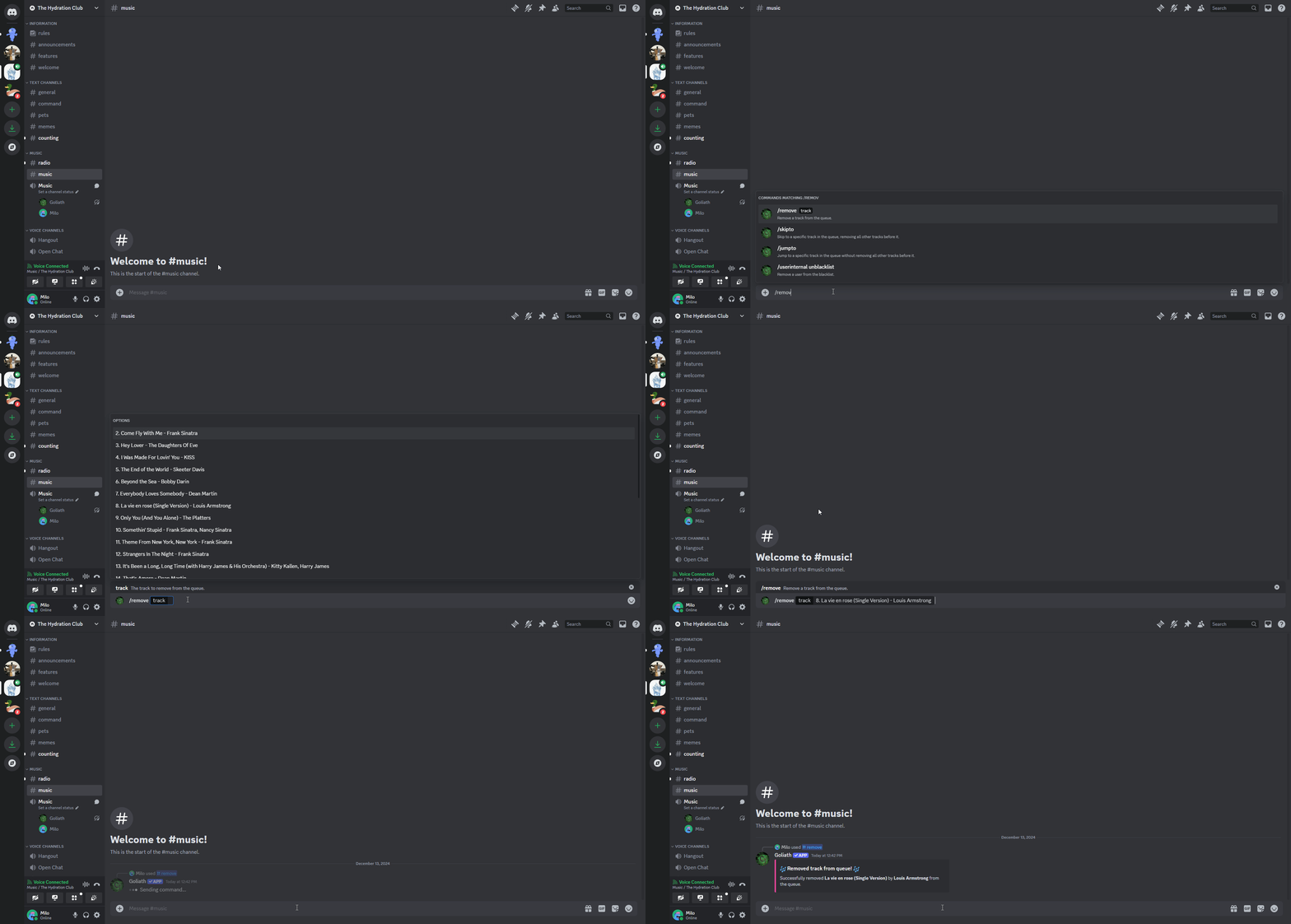
The /remove <song> command removes a song from the queue by typing in the number of the song you want to remove.
/shuffle
You can shuffle all of the songs in the queue by running the /shuffle command.
/swap
The /swap <song 1> <song 2> command swaps two songs in the queue by typing in the numbers of the songs you want to swap.